12/25/2025
Tags and people mentions
Organize your thinking space using #tags and @person mentions across tasks and notes.

Tags and people mentions help you organize work without forcing structure upfront.
Instead of deciding where something belongs when you capture it, you can add lightweight signals that help you find, group, and resurface items later.
Leaderbook supports:
- #tags for topics, themes, or states
- @person mentions for people related to the work
Both work the same way across tasks and notes.
Using #tags
Tags are keywords prefixed with #.
They help you describe what something is about, without committing it to a folder or project.
Examples
#strategy
#review
#waiting
#Q3
#deepwork
#MyCompany
You can add tags:
- while typing a task or note
- inside the detail view
- by editing an existing item
Tags are detected automatically as you type.
Using @person mentions
People mentions are names prefixed with @.
They represent who an item is related to, not who can see it.
Examples
@alex
@Sarah
@finance
@Team.A
People mentions are:
- personal references
- useful for filtering and recall
- not notifications
- not assignments
Nothing is shared and no one is notified.
Tags and mentions together
You can freely combine tags and people mentions in the same item.
Example:
Prepare board update for @alex #strategy #Q3
This lets you later:
- filter by topic
- filter by person
- combine both in a workspace or search
Filtering by tags and people
Anywhere you see tag chips, you can click them to filter the board.
You can:
- toggle individual tags on or off
- combine multiple tags
- mix tags and people mentions
- clear filters at any time
Filters never change your data. They only change what you see.
Saved Workspaces with tags
You can save combinations of tags and people mentions as Workspaces.
This lets you:
- return to the same focus instantly
- avoid rebuilding filters
- keep different thinking contexts separate
Example workspaces:
- @alex + #strategy
- #projectA
- #MyCompany + @Team.A
- #goals
Tag editing and cleanup
Tags and mentions can be:
- added or removed from list views
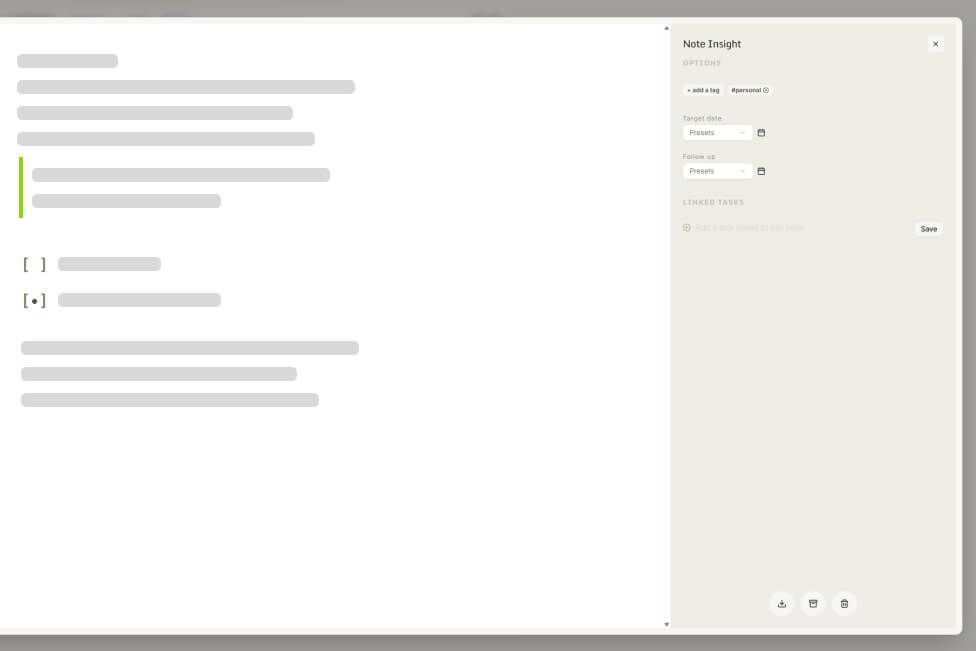
- edited in the detail pane
- removed without deleting the item
Changes update instantly across filters and workspaces.
Best practices
- Use tags lightly. You can always add more later.
- Prefer meaning over hierarchy.
- Use people mentions to support recall, not delegation.
- Let tags describe reality, not ideal structure.
You’re ready to go. Capture first. Organize later. Stay focused.